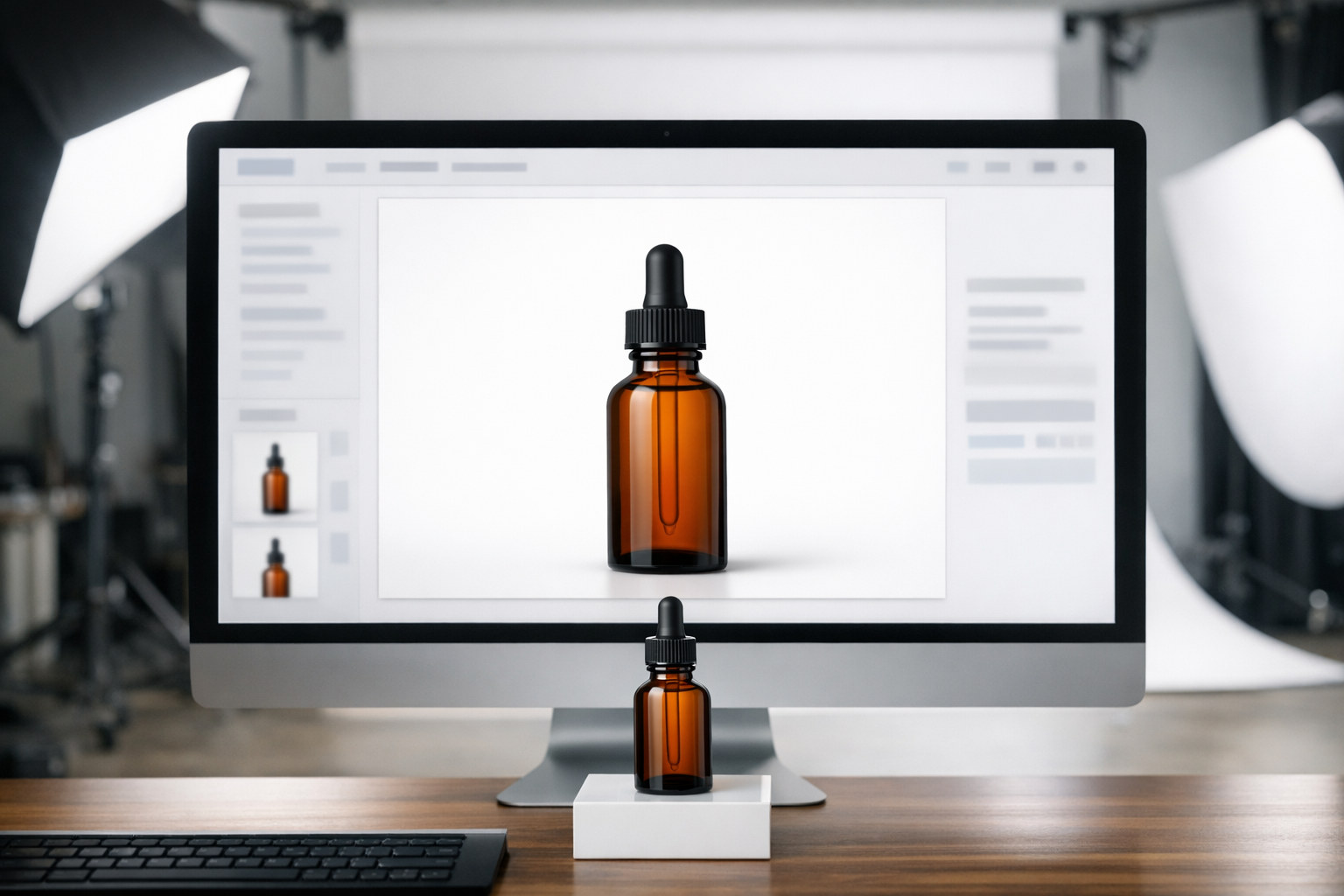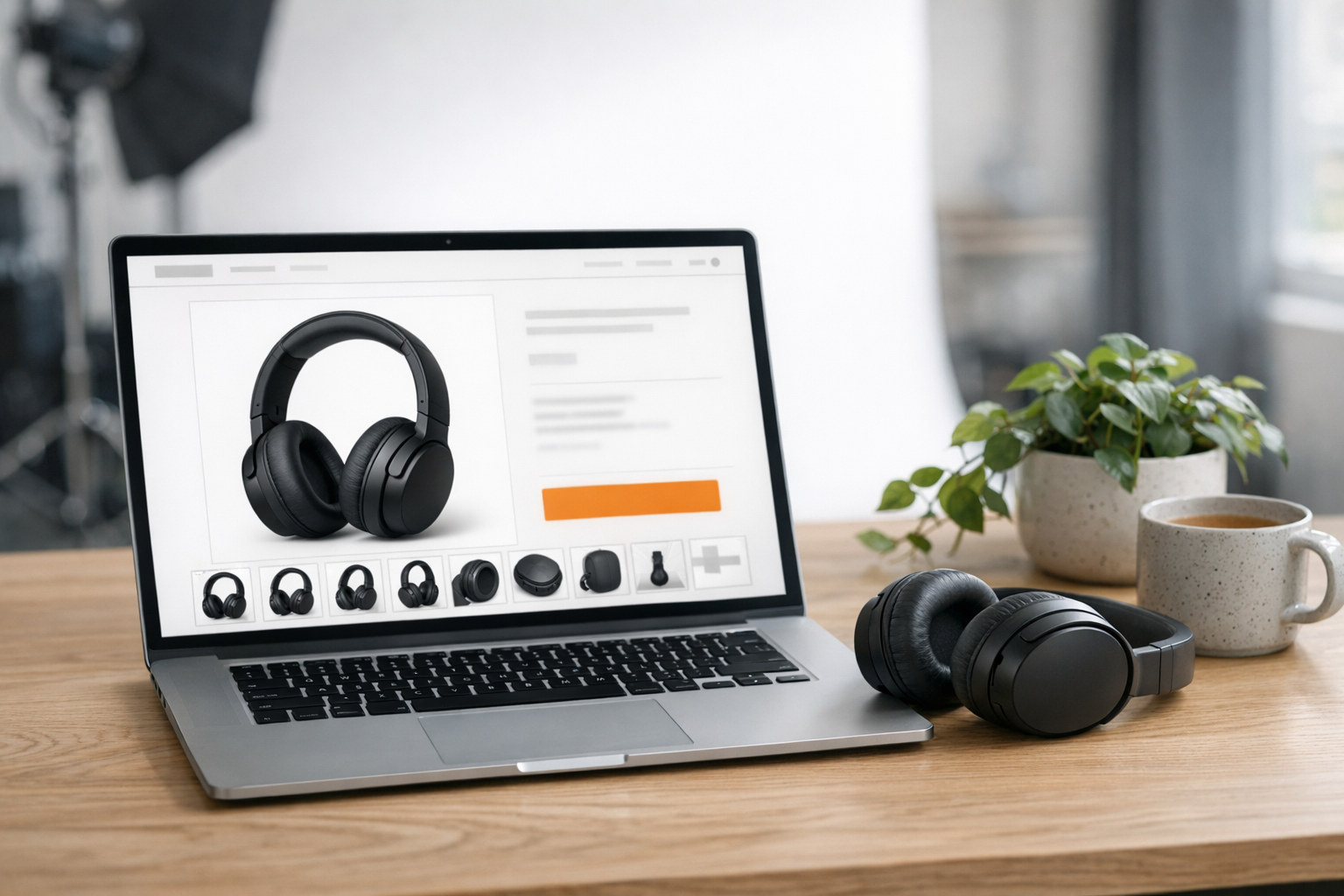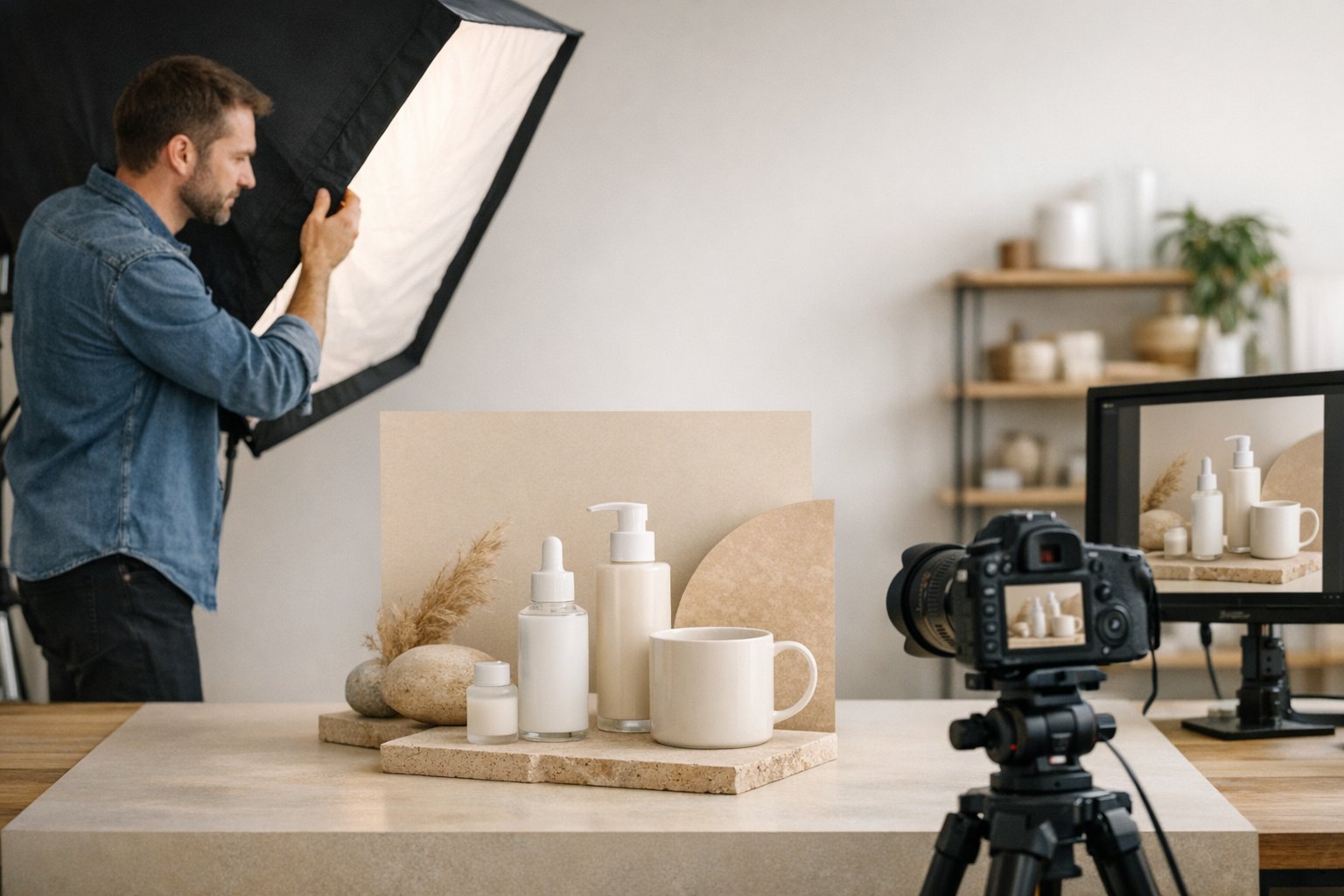
Short answer: Your Amazon main image should show only the real product you are selling, on a pure white background (RGB 255, 255, 255), filling about 85% of the frame, with no added text, logos, badges or props. Most rejections come from off-white backgrounds, extra items in the shot, or graphics added on top. Always check your category’s own rules too, because some categories have exceptions.
For the full set of image rules, including supporting photos, see our Amazon product image requirements guide. For planning the rest of the gallery, see how many images an Amazon listing should have.
Why the main image matters so much
The main image is the one shoppers see in search results, next to your competitors. It is often the only image someone sees before deciding whether to click. It is also the image Amazon checks most strictly. If it breaks the rules, your listing can be suppressed, which means it stops showing in search until you fix it.
So it pays to get this one image exactly right.
The core rules
These come from Amazon’s general product image guidance for the US store, including Amazon’s public product photography guide. Your category may add its own rules, so check those in Seller Central before you shoot.
Pure white background
The background needs to be pure white, RGB 255, 255, 255. Light gray, cream, and “almost white” don’t count. This is one of the most common problems we see, usually from photos shot on a white table with uneven light, where the corners drift gray.
A real white background comes from lighting, then careful editing. Cutting the product out and pasting it on white can work, but rough edges and missing shadows look fake at zoom. Our guide to background for product photography covers how background choice affects the final image.
The product fills the frame
Amazon’s public product photography guide says the product should fill 85% or more of the image. That keeps it easy to recognize in a small thumbnail. At the same time, the whole product needs to be visible. Don’t crop off a cap, a handle, or a strap to make it look bigger.
Size and file type
Amazon’s public guide lists 500 to 10,000 pixels on the longest side, and prefers images larger than 1,000 pixels on each side so shoppers can zoom. JPEG is preferred. TIFF, PNG and non-animated GIF are also accepted.
Treat the minimum as a floor, not a goal. A sharp, high-resolution original lets buyers zoom in on labels and texture, which is often where trust is won.
Only what’s in the box
Show the product exactly as the customer receives it. No props, no extra accessories, no “serving suggestion” items unless they are included. If you sell a single unit, the image shouldn’t look like a multipack.
No added text or graphics
Keep these off the main image:
- Headlines or feature text
- Badges like “best seller” or “new”
- Watermarks, borders, or color blocks
- Logos added on top of the photo
A logo printed on the actual product is fine. A logo pasted onto the image is not.
A real photo of the real product
The main image should be a photograph, not a drawing or a 3D render that doesn’t match the real item. It should also match the exact variation: the right color, size, finish and label.
What usually gets main images rejected
From the rules above, these are the mistakes that cause the most trouble:
- Off-white background. Gray corners, a shadow that turns into a gray floor, or a cream backdrop.
- Product too small. Lots of empty white space, so the product disappears in search.
- Text or badges added. Even a small “100% natural” banner counts.
- Extra items in the shot. Props, a second unit, or accessories that aren’t included.
- Wrong version shown. An old label, a different color, or a sample that doesn’t match production.
- Low quality. Blurry edges, compression marks, or an image stretched up from a small file.
If Amazon flags your image, read the exact message in Seller Central first and save it. It tells you which rule triggered the flag, which makes it much faster to fix.
Category exceptions
Some categories have their own rules about packaging, models, or how the product is shown. Apparel, for example, has specific rules about models and mannequins. Don’t copy what a competitor does, since a listing that breaks the rules can stay up for a while before it gets caught. Check the current guidance for your category.
How we shoot Amazon main images
At Product Captures, main images are shot on a white setup with lighting planned around the product. Reflective items like glass, metal and glossy packaging need extra care so the edges stay clean and the label stays readable. See our guides to reflective product photography and transparent product photography for those surfaces.
A common setup is to light the white sweep or backdrop separately from the product, so the background can reach near white without washing out the item. Photographers usually keep the product a little forward of the backdrop, use large soft light or diffusion on the product, and check background values in editing so corners do not drift gray. For glass and metal, large diffusion, flags or black cards, and a polarizing filter on glare from glass or similar non-metal surfaces, help control reflections while keeping a clear edge and a readable label.
Before a main image goes out, it should be checked against a simple list: the background is pure white, or as close as the file and category require; the product fills the frame without being cropped; the whole item is visible; and the photo matches the exact version being sold, including color, label and pack size.
A common case is a main image flagged because the background looked white in the studio but read as off-white or gray in the corners once it was uploaded. That usually comes from uneven lighting on the sweep, and it is typically fixed by lighting the background separately, then checking the background values in editing before upload.
If you need main images that pass the first time, see our Amazon product photography page or our ecommerce packages. You can send your project details or call (616) 259-0092. We are based in the Grand Rapids area and also work with brands that ship their products to us.
Frequently asked questions
What color does the Amazon main image background have to be?
Pure white, RGB 255, 255, 255. Off-white, light gray and cream are not accepted for most categories.
What size should an Amazon main image be?
Amazon accepts 500 to 10,000 pixels on the longest side and prefers images larger than 1,000 pixels on each side so zoom works. Go bigger and sharper than the minimum when you can.
Can I put my logo on the Amazon main image?
Only if it is printed on the product itself. Adding a logo, text, or badge on top of the photo is not allowed.
Can the main image show the packaging?
It depends on the category. Some products are shown in their packaging and some aren’t. Check the guidance for your category before the shoot.
What happens if my main image breaks the rules?
Amazon can reject the image or suppress the listing, which hides it from search until the problem is fixed. Seller Central will show which rule was triggered.