If you sell on Amazon from Michigan, your photos do a lot of the selling. Shoppers can’t pick up your product. They scroll, they zoom, and they decide fast.
This guide covers two things. First, what Amazon expects from your images, in plain terms. Second, the practical side of working with a studio in the Grand Rapids area: getting products to the studio, timing shoots around launches, and what happens to your inventory afterward.
Maybe you have been searching “amazon product photographer near me” from Detroit, Lansing, Kalamazoo or Traverse City. This should help you plan before you reach out.
What Amazon Expects From Your Main Image
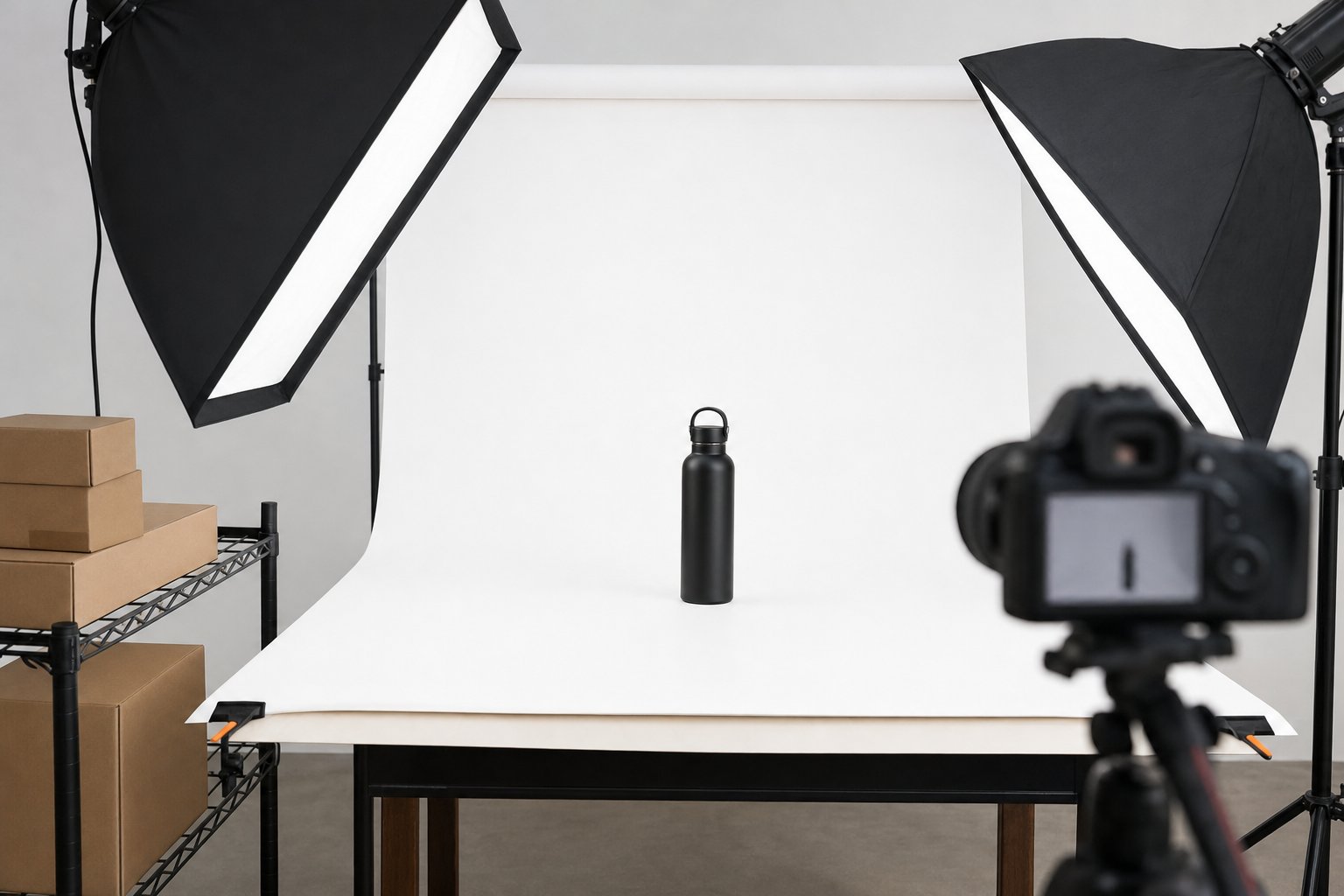
The main image is the one shoppers see in search results. Amazon has strict rules for it. The basics are a pure white background, the product filling most of the frame, and no extra text or graphics.
We won’t repeat every rule here. We keep a full breakdown in our post on Amazon main image rules, and it’s worth a read before any shoot.
A few general points matter for every seller:
- Show what the buyer gets. If the listing is for one item, show one item. Extra props can confuse shoppers and may cause problems with the listing.
- Keep it sharp and true to color. A common approach is to shoot with even, diffused light so labels stay readable and colors match the real product.
- Think at thumbnail size. Your main image often shows up small on a phone. A clean shape and clear angle help it read at a glance.
Secondary Images That Answer Buyer Questions
After the main image, you have more room to work. Your secondary images can show the product in use, call out features, and handle common questions before shoppers have to ask them.
A strong image set usually mixes a few types:
- Alternate angles on white, so buyers can see the back, sides and details.
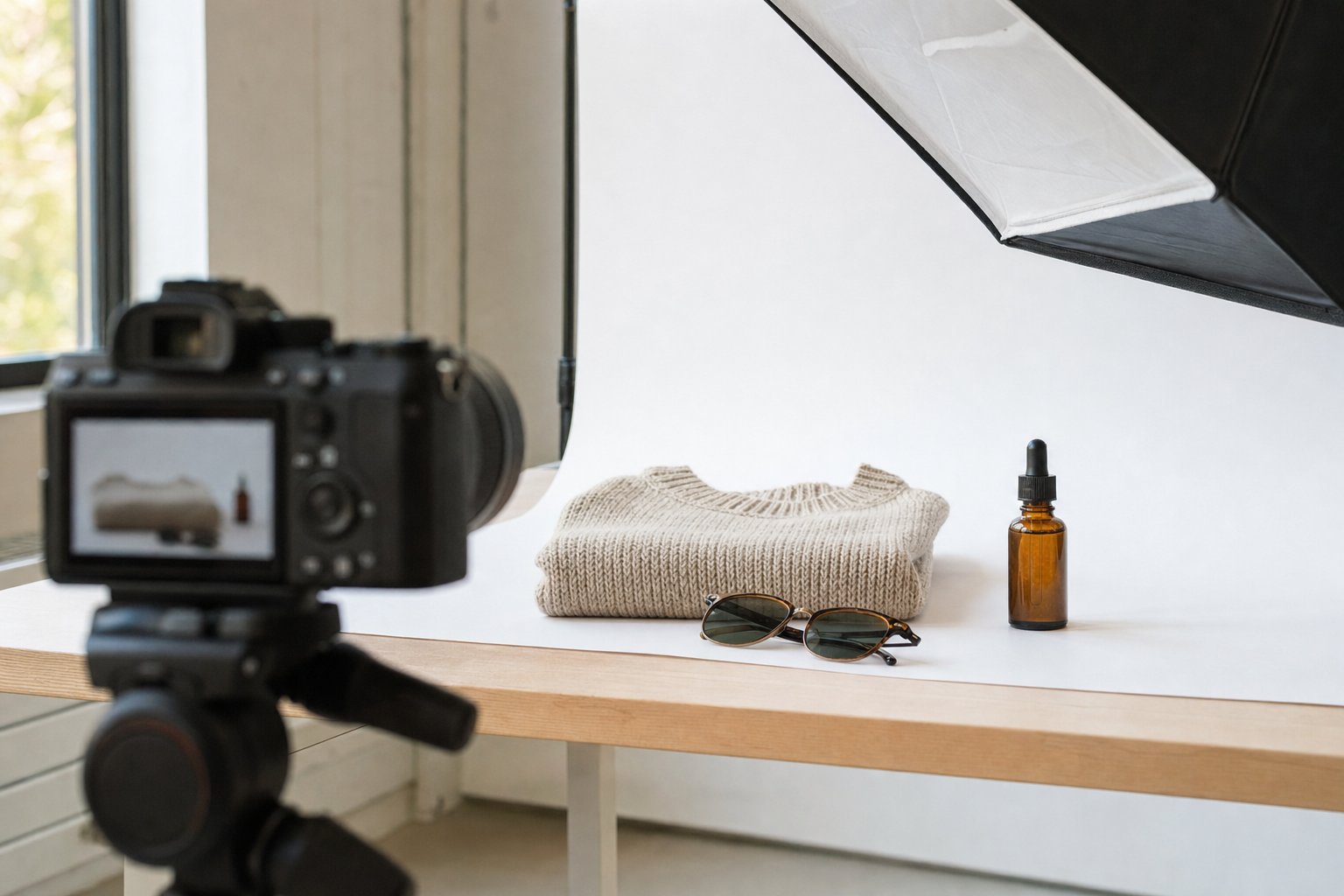
- Lifestyle images that show the product in a real setting. This helps shoppers picture it in their own home, car or bathroom.
- Infographics that point out features, dimensions or what’s in the box.
- Scale shots that show size next to a hand or a familiar object.
How many images should you use? That depends on your category and how much explaining your product needs. Our guide on how many images an Amazon listing needs walks through it.
One general tip: plan your image order like a short story. Start with what it is, then what it does, then why it’s better, then what’s included. Shoppers swipe in order, so each image should build on the last.
A+ Content and Brand Store Art
If you’re brand registered, A+ Content gives you more space below the fold on your listing. You can add larger images, comparison charts and brand details. Brand Store art does a similar job on your storefront page.
A+ Content works best when it doesn’t just repeat your gallery images. A common approach is to use it for things that need more room, such as a side by side comparison of product sizes or a closer look at materials.
We cover module types and planning in our post on Amazon A+ Content. If you plan to add A+ Content later, mention it before your shoot. That way the photos can be framed with extra space for text and layout.
Product Video, 360 Spins and GIFs
Video gives shoppers motion, and many products make more sense once you see them move. A short clip can show how something opens, attaches, pours or fits.
There are a few formats to consider:
- Product video that shows use, features and setup.
- 360 turntable video that spins the product so buyers can see every side.
- GIFs for short loops, often useful on Brand Store pages or off Amazon.
A good general rule is to keep product videos focused. Show one idea per scene, and make sure it still makes sense with the sound off.
Video takes longer than photos. Plan for at least 30 days. If a launch date is on the calendar, start the video conversation early.
Getting Your Products to a Studio in the Grand Rapids Area
This is where many Michigan sellers have questions. You have two options.
Drop-off. If you’re close enough, you can drop products off in person at our Grand Rapids product photography studio. Some sellers like this because they can hand over samples and talk through details at the same time.
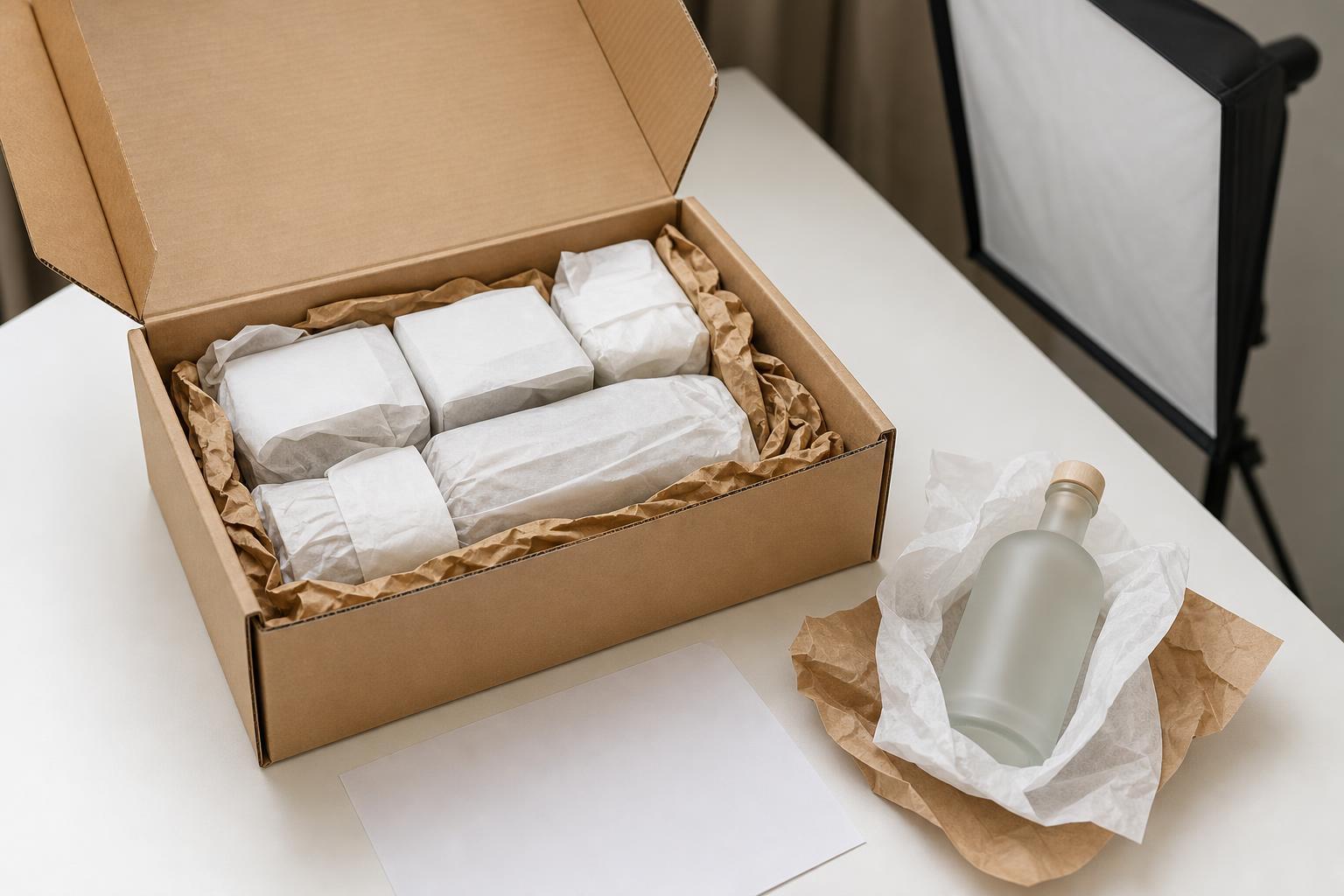
Ship in. Clients ship products in from any US state, so sellers across Michigan can mail their products the same way. This works well if you’re on the east side of the state, up north, or in the Upper Peninsula. Our guide on shipping products to a photography studio covers packing, labeling and what to include.
Either way, all the work happens in-house. That includes shooting, styling, retouching and design. You don’t need to coordinate a separate photographer, retoucher and designer.
The studio has photographed apparel, cosmetics, car detailing products and a home dryer vent product for Grand Rapids area sellers. Products in different categories need different setups, so share any special handling needs up front.
Planning Shoots Around Your Launch Calendar
Amazon sellers often work backward from a launch date, a restock, or a seasonal push. Here is the timing to plan around:
- Photo projects typically take 10 to 15 business days from when your products arrive.
- Video projects take at least 30 days.
- Your exact date is confirmed before work starts, so you know what to expect.
- Rush is available for photos if you’re up against a deadline.
The clock starts when products arrive, so ship early if you can. Building a little cushion into your launch plan is always a good idea.
What Happens to Your Products After the Shoot
You have three choices once your images are done:
- Return. We send your products back to you.
- Store. We hold your products between shoots. This helps if you plan to add variations, new colors or seasonal images later.
- Donate. If you don’t need the samples back, they can be donated.
Storage is handy for sellers who launch in waves. When your next color or bundle is ready, the earlier samples are already on hand. That makes it easier to keep lighting and angles consistent across your catalog.
You can see the full range of Amazon services on our Amazon product photography page.
Start With a Free Listing Photo Audit
Not sure where to begin? Send your ASIN for a free listing photo audit. You’ll get three quick wins for your current images.
This is a low effort way to see what might help most. The fix might be a cleaner main image, a missing infographic, or a lifestyle shot that shows scale. Sometimes small changes are a good place to start before planning a full shoot.
FAQ
Do I need to be near Grand Rapids to work with the studio?
No. Local drop-off is available, but clients ship products in from any US state. Sellers anywhere in Michigan can ship their products in.
How long does an Amazon photo project take?
Photo projects typically take 10 to 15 business days from when your products arrive. Video takes at least 30 days. Your exact date is confirmed before work starts, and rush is available for photos.
Can you store my products between shoots?
Yes. Products can be stored between shoots, returned to you, or donated. Storage works well if you plan to add new variations or seasonal images later.
What do I get with the free listing photo audit?
Send your ASIN, and you’ll get three quick wins for improving your listing photos. It’s a simple way to find the changes that may help most.
How much does Amazon product photography cost?
Cost depends on what your listing needs, such as main images, lifestyle shots, infographics, A+ Content or video. The ecommerce packages page has current options.
Ready to Plan Your Amazon Shoot?
If you’re a Michigan Amazon seller getting ready to launch, restock or refresh a listing, the first step is simple. Review the options on our ecommerce packages page to see what fits your product. Then contact us to ask about drop-off or shipping, confirm timing, or request your free listing photo audit. You can also call (616) 259-0092 or email [email protected].