If you sell on Amazon, you have probably scrolled past the section under some listings that looks more like a brand’s own website. Wide banners, side-by-side images, comparison charts, short blocks of copy. That section is Amazon A+ Content.
This guide covers what A+ Content is, who can use it, what it is made of, and how to decide whether it is worth your time and budget.
What Is Amazon A+ Content?
A+ Content is an enhanced product description area that brand owners can add to their Amazon detail pages. Instead of one block of plain text, you build the section from visual modules: large images, image and text combinations, comparison tables and more. Amazon used to call it Enhanced Brand Content (EBC), so you will still see both names.
A+ Content sits further down the listing, below the main image block and bullet points. Shoppers who get that far are usually interested enough to keep reading, which makes it a good place to answer the questions that decide a purchase.
Who can use A+ Content?
A+ Content is available to brand owners. For third-party sellers, that generally means your brand needs to be enrolled in Amazon Brand Registry. Vendors who sell directly to Amazon have their own route in. If you resell another company’s products, you usually can’t add A+ Content to those listings. Amazon changes its programs from time to time, so confirm eligibility in Seller Central.
What Goes Into A+ Content
A+ Content is built from modules. You pick a layout, then fill it with images and text. Common module types include:
- Header or banner images: a wide image across the top that sets the tone for the brand and product.
- Image with text: a photo paired with a short headline and a few lines of copy about one feature.
- Multiple image modules: three or four images side by side, useful for showing features, uses or variations.
- Comparison charts: a table comparing products in your own catalog, so shoppers can pick the right size, scent or model.
- Technical specification tables: a clean way to present dimensions, materials and other details.
Basic A+ vs. Premium A+
Basic A+ Content is the standard version most brand owners start with. Premium A+ Content offers larger, more interactive modules such as video, hotspots and carousels, and it has its own eligibility requirements. Most brands are better off getting Basic A+ right first.
What A+ Content can’t include
Amazon reviews every A+ submission, and content that breaks the guidelines can be rejected. Common reasons include:
- Pricing, discounts or promotional language such as “sale” or “best deal”
- Shipping details or time-sensitive claims
- Customer reviews, quotes or star ratings
- Links or references to other websites
- Mentions of competitor brands
- Guarantee or warranty claims that Amazon’s rules don’t allow
- Low-quality, blurry or pixelated images
Read Amazon’s current A+ guidelines in Seller Central before you write a single line. It is much easier to plan around the rules than to redesign modules after a rejection.
Is A+ Content Worth It?
For most brand owners, yes. Amazon generally doesn’t charge an extra fee for Basic A+ Content for eligible sellers, so the real cost is the time and creative work behind it. The bigger question is whether you will do it well. A+ Content built from blurry phone photos and stretched graphics can make a listing look less trustworthy, not more.
When A+ Content earns its place
- Your product needs explaining. If shoppers need to understand how it works, what is included or how to use it, A+ gives you room to show them.
- You sell a product line. A comparison chart helps shoppers choose between your own variations instead of leaving to compare elsewhere.
- Your brand is part of the sale. If your story, ingredients, materials or craftsmanship matter, A+ is where you can show them.
- You get the same questions over and over. Customer questions and reviews are a free list of things your A+ Content should answer.
When to hold off
If your main image and secondary images are weak, fix those first. Shoppers decide whether to click from the search results, and whether to keep scrolling from the image block. Start with the Amazon main image rules and our guide on how many images an Amazon listing should have. A+ Content supports a strong listing. It can’t rescue one that loses people at the top.
How to Plan A+ Content That Actually Helps
Good A+ Content starts with a plan, not a template. Here is a simple process.
1. List the buying questions
Write down what a shopper needs to know before buying. Each important question can become a module.
2. Map one idea to each module
Every module should do one job. One explains the main benefit. Another shows the product in use. Another covers size or what’s in the box. Trying to say everything in one module makes the whole section hard to read.
3. Design for mobile first
Many shoppers browse Amazon on their phones, where text inside images can shrink to an unreadable size. Keep text in images short and large, use strong contrast, and preview your modules on a phone before you submit.
4. Use real product photography
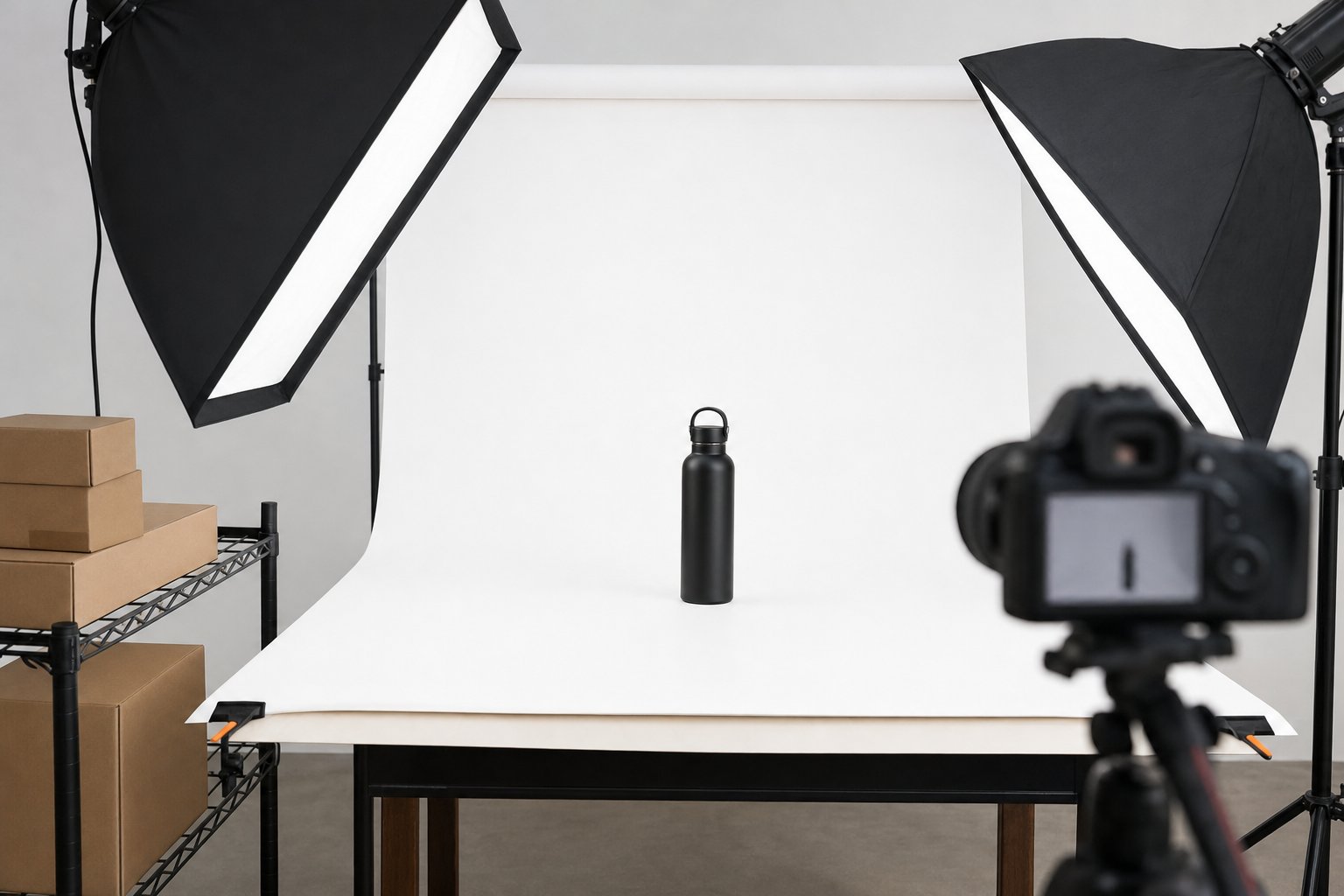
A+ modules are image-heavy, so the photos carry most of the weight. You will usually need a mix of clean studio shots, close-up detail images and lifestyle scenes that show the product in a real setting. Consistent lighting and color across every module make the section feel like one brand instead of a collage. Our Amazon product photography service covers this kind of listing and A+ imagery.
5. Keep it consistent with the rest of your brand
Your A+ Content should look like your website, packaging and social channels. The same fonts, colors and photo style everywhere builds recognition. If you also sell on your own store, plan the photography with both in mind so the visuals match across channels.
Common A+ Content Mistakes
- Repeating the bullets. A+ should add something new, not restate the same five points in bigger type.
- Too much text in images. If a module needs a paragraph to make sense, the image isn’t doing its job.
- Mixed photo styles. Images from different shoots with different lighting make the section feel pieced together.
- Ignoring image quality. Low-resolution files look soft on large screens and can be rejected.
Frequently Asked Questions
Is Amazon A+ Content free?
For eligible brand owners, Amazon generally doesn’t charge an extra fee to publish Basic A+ Content. The cost comes from creating the photography, design and copy.
Do I need Brand Registry for A+ Content?
For third-party sellers, A+ Content is generally tied to Amazon Brand Registry. Check the current requirements in Seller Central.
How long does A+ Content approval take?
Amazon reviews each submission before it goes live. Review times vary, so submit well ahead of a launch or seasonal push.
Can I use the same A+ Content on multiple listings?
Yes. You can apply one A+ layout to several related products, which is handy for a product line, as long as the content is accurate for each one.
Ready to Build A+ Content That Sells?
Product Captures creates Amazon listing images and A+ Content imagery for brands that want their listings to look as good as their products. Our studio is in the Grand Rapids area, and brands anywhere can ship their products in. We agree on a shot list with you, then deliver the finished images online. We can also fit shoots to tight budgets. For pricing and what is included, see our ecommerce packages, or contact us and tell us about your listings.