When shopping online, one of the biggest challenges is not being able to physically interact with the product. Customers can’t touch it, try it on, or see it from all angles. But what if there was a way to give them a better, more interactive experience? That’s where 360 product photography comes in. Imagine being able to show your product in full rotation, allowing your customers to see it from every possible angle, just like they would in a physical store.
This is an incredible tool to boost engagement and increase sales by creating a deeper connection with your potential customers. In this blog, we’ll talk about everything related to 360 product photography, explaining why it’s essential for modern eCommerce, how it works, and how you can start using it to enhance your online store.
What is 360 Product Photography?
Credit: webrotate360.com
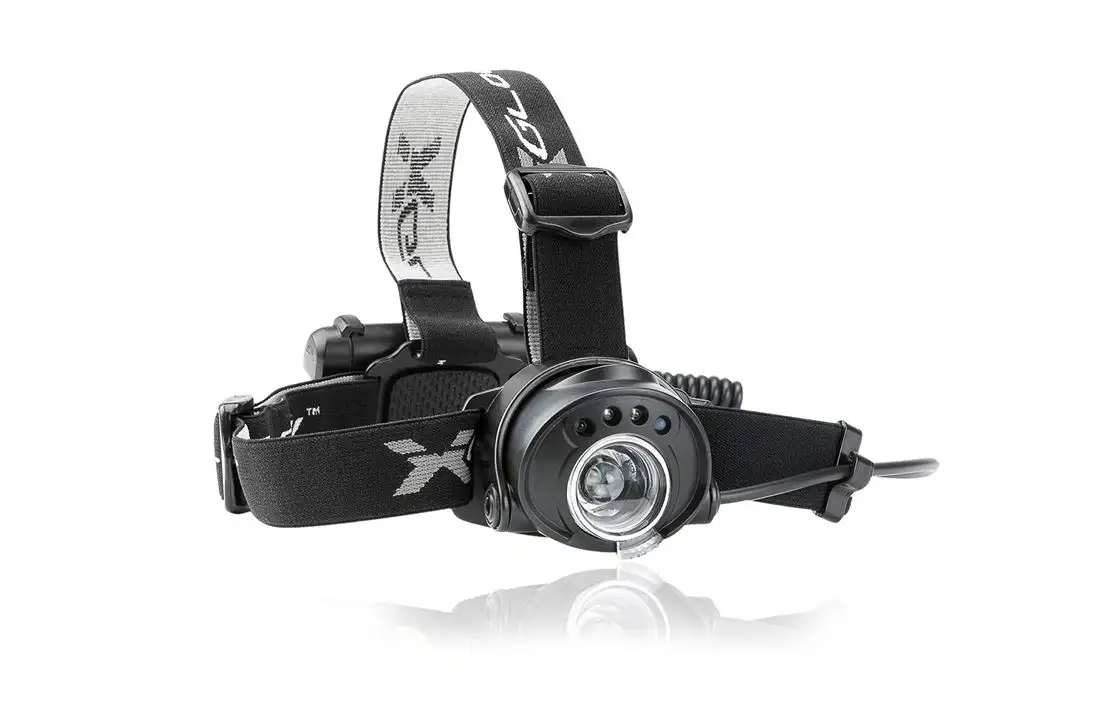
In simple terms, 360 product photography involves capturing a product from every angle, creating a series of images that are stitched together to form a single, interactive image. This allows your customers to spin the product and view it from all sides, just like holding it in their hands.
It’s a great way to bring products to life online, especially when customers are unable to physically inspect them. For items that need close attention to detail, like jewelry, gadgets, or even shoes, 360-degree product photography gives your audience a clear, complete view of the product. It helps reduce uncertainty about the product’s look, size, and features, making customers feel more confident in their purchase decisions.
Why Does 360 Product Photography Matter?
You might be wondering, “Why not just stick with regular photos?” Here’s the thing: traditional product images are great, but they only show one angle of your product. For customers, that’s not enough, especially when they can’t physically examine the product.
Here’s why 360 product photography is such a game-changer:
- More Engagement: People love interactive content. When customers can rotate a 360 product, they stay on your page longer, increasing the chances of a sale.
- Better Understanding: With 360-degree product photography, customers can inspect every angle of your product. This gives them a better understanding of what they’re buying, making them feel more secure in their decision.
- Increased Conversion Rates: Research shows that 360-degree product photography can boost conversion rates by making customers feel like they’re getting a real-life view of the product. The more confident they are in what they’re buying, the more likely they are to make the purchase.
- Stand Out from the Competition: Not all eCommerce stores use 360 product photography. By offering this feature, you’re setting yourself apart from your competition and offering a more engaging shopping experience.
How Does 360 Product Photography Work?
Credit: hypop.com.au
Now that you know why 360 product photography is important, let’s talk about how it actually works. Here’s a step-by-step breakdown:
Set Up Your Product
Start by choosing the right product to shoot. Ideally, this should be an item that benefits from being seen from multiple angles. Things like gadgets, jewelry, or shoes work perfectly. The key is that your customers will want to examine the product closely from all sides before making a decision.
- Multi-angle products: Items like electronics, jewelry, and shoes need to be seen from every angle to build trust with potential buyers.
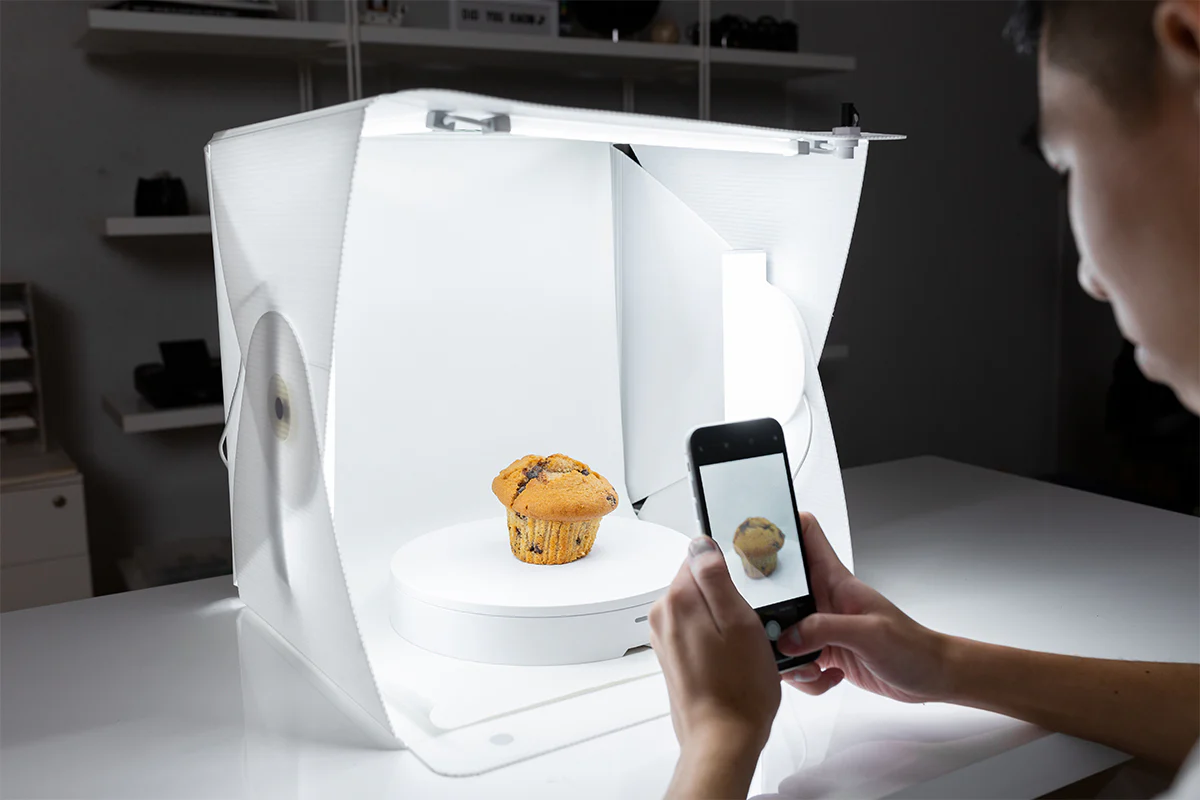
- Turntable for rotation: A photography turntable is essential for consistent shots, ensuring smooth, even rotation during the shoot.
If you don’t have a turntable, you can create your own by manually rotating the product, but using a motorized turntable is a lot easier and more consistent.
Lighting Your Product
Lighting plays a significant role in 360-degree product photography. You need to ensure that your product is evenly lit from all sides. The goal is to avoid any harsh shadows or reflections that could distract from the product’s true features. Soft, diffused lighting is ideal, as it helps create a clean, even look.
- Use softboxes or light tents: These help create diffused lighting that minimizes harsh shadows.
- Consistent lighting: Ensure the lighting is uniform throughout the shoot so that your final 360 product spins look polished and professional.
Taking the Photos
Now comes the fun part: capturing the photos! You’ll need to take multiple shots of your product from different angles as it rotates. Depending on the type of product, you may need anywhere from 24 to 72 images. It’s important to shoot in high resolution so each shot is crisp and clear, especially for close-up products.
- High resolution: To ensure sharp, detailed photos that showcase your product’s features.
- Manual camera settings: Adjust your aperture, ISO, and shutter speed for consistent exposure across all shots.
- Use a tripod: This keeps the camera steady and ensures consistent shots throughout the rotation.
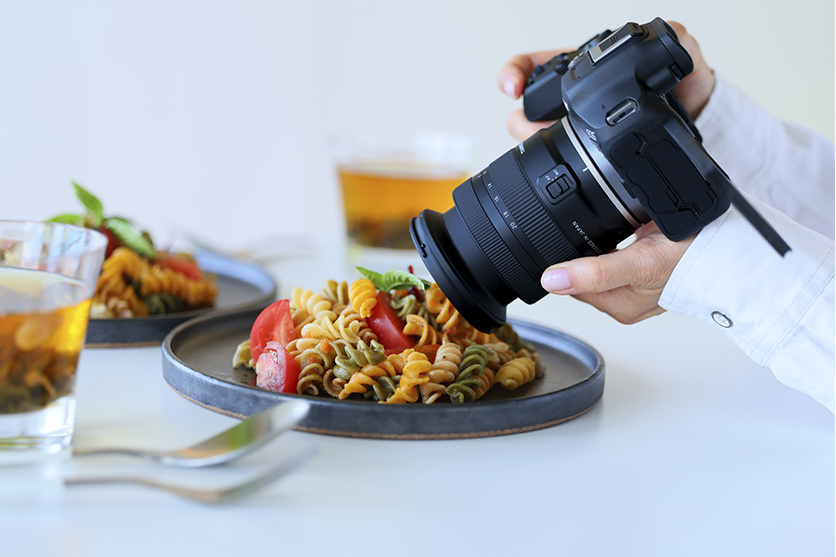
A mirrorless camera or a DSLR camera for product photography with manual settings is the best option for this. You’ll want to adjust your aperture, ISO, and shutter speed to get the perfect shot. Using a tripod is also important to ensure the camera remains steady and consistent throughout the shoot.
Stitching the Images Together
Once you have all your shots, you’ll need to stitch them together to create the interactive 360-degree product photography experience. This is where specialized software comes in. There are various tools available that can combine your images and create the rotation effect.
- Use stitching software: Software tools like photo editors or specialized 360 photography apps can automatically combine images into a single file.
- Create smooth transitions: Make sure the images blend seamlessly to create a fluid 360 spin product experience.
The software allows users to spin the product image on the website by dragging or clicking, making it feel like they’re rotating the product themselves.
Integrating into Your Online Store
After creating the 360-degree image, the final step is integrating it into your online store. Many eCommerce platforms like Shopify and WooCommerce offer apps or plugins that make it easy to display 360-degree product photos on your product pages. All you have to do is upload your interactive images, and your customers can start exploring your products from every angle.
- Use eCommerce plugins: Platforms like Shopify offer 360 product photography integration tools.
- Test on multiple devices: Ensure the interactive 360 product works seamlessly on both desktop and mobile devices.
Tips for Great 360 Product Photography
Credit: welpix.com
To make sure your 360 product photography looks its best, here are some tips:
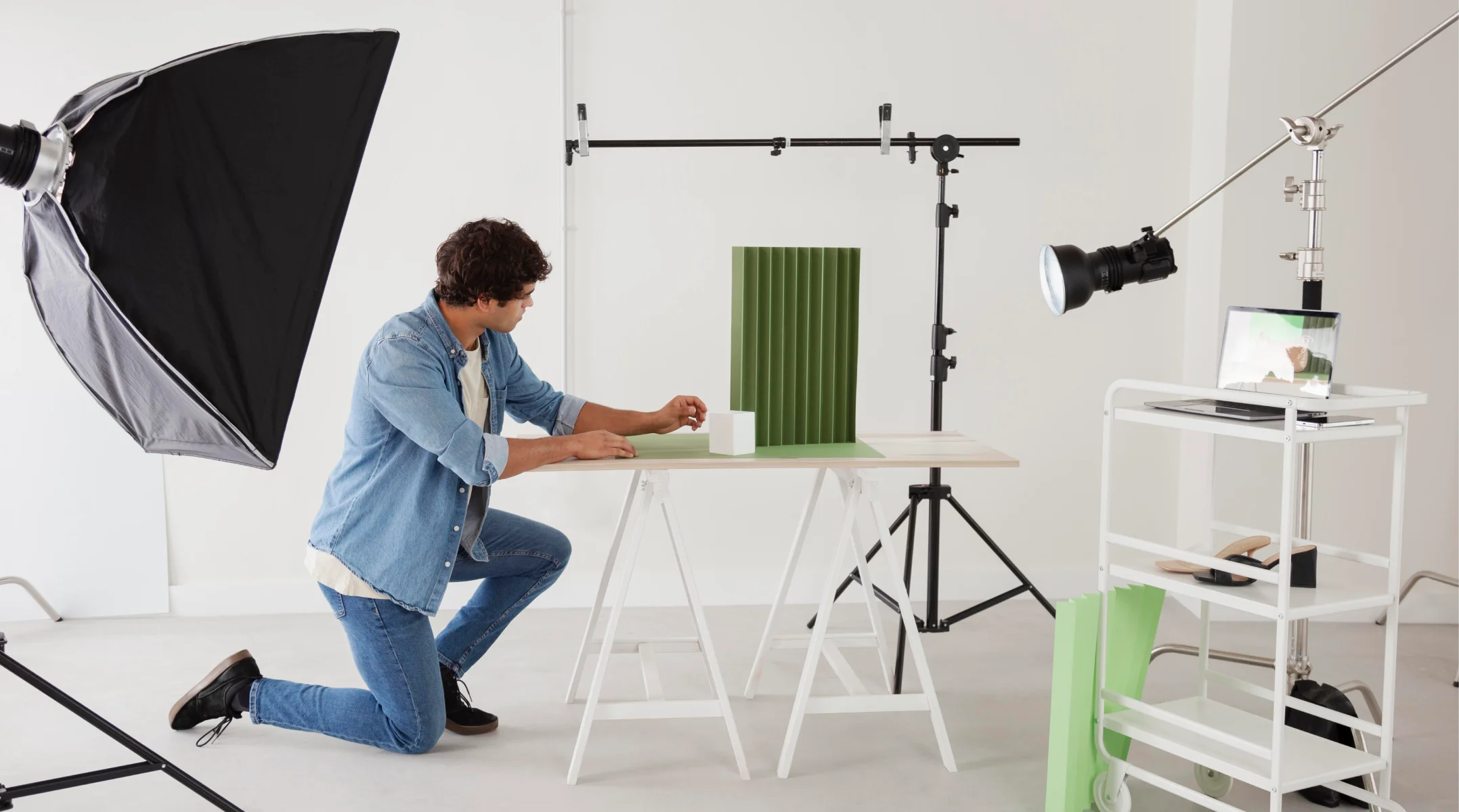
- Use a High-Quality Camera: A high-quality camera for 360 product photography ensures sharp, detailed images. Aim for a camera with at least 20 MP to capture fine details.
- Keep the Background Simple: A neutral, clean background helps your product stand out. Avoid cluttered or busy backgrounds that could distract from the product.
- Ensure Consistent Lighting: Make sure your lighting is even and diffused across the product to avoid shadows or bright spots.
- Use a Turntable: A smooth, consistent turntable is essential for creating seamless 360 product spins. The rotation should be even to avoid any jerky movements in the final image.
- Edit Your Photos: After shooting, you may need to do some light basic editing to make sure your images are bright and sharp and the colors are accurate. Don’t over-edit, though—make the product look realistic.
How to Choose the Best Camera for 360 Product Photography
To get the best results, you’ll need the right camera. Here are a few factors to consider:
- Resolution: A higher resolution gives you better detail. For 360 product photography, aim for at least 20 MP.
- Manual Controls: A camera with manual settings allows you to adjust aperture, ISO, and shutter speed, ensuring you get consistent shots.
- Macro Lens: For smaller products, a zoom lens or macro lens will help you capture close-up details.
- Stability: Use a tripod to ensure steady shots, especially when you’re capturing multiple images.
In a Nutshell
We have come to realize that 360 product photography is a powerful way to engage your customers and increase sales. It creates an immersive, interactive experience that helps customers get a better sense of your product, leading to higher confidence and trust in their purchase. Whether you’re selling jewelry, electronics, or apparel, this technique can set you apart from the competition and help boost conversions.
If you don’t have the time or resources to do it yourself, professional 360 product photography services can help you create stunning results with minimal hassle. Let the 360 product photography experts handle your product photography while you focus on growing your business.
Frequently Asked Questions
These FAQs will help you learn everything you need to know about 360 product photography.
What is 360 product photography?
360 product photography is a technique that captures a product from multiple angles and combines them into an interactive image that allows customers to rotate the product and view it from all sides.
How many photos do I need for 360 product photography?
You typically need between 24 and 72 photos, depending on the product and how detailed you want the rotation to be.
Can I use a smartphone for 360 product photography?
Yes, you can use a smartphone for basic 360 product photography, but a 360-degree camera or a mirrorless camera with manual settings will give you better control and higher image quality.
How do I integrate 360 product photos into my online store?
Most eCommerce platforms, like Shopify and WooCommerce, have built-in features or plugins that allow you to upload and display product photos on your product pages.
Is 360 product photography worth the investment?
Absolutely! 360 product photography helps build customer trust, increase engagement, and boost sales. It’s a valuable tool for any online store looking to improve the shopping experience.