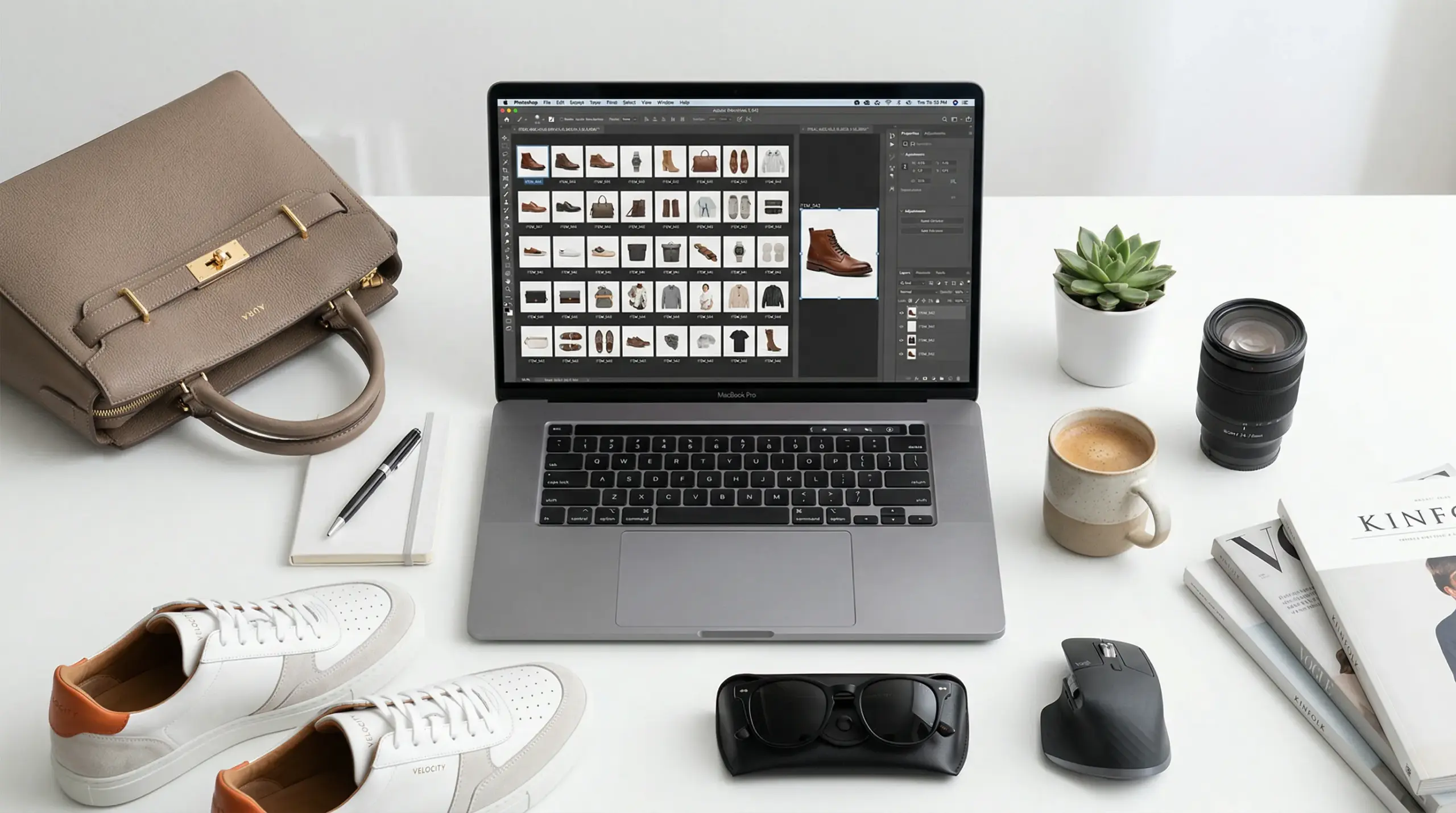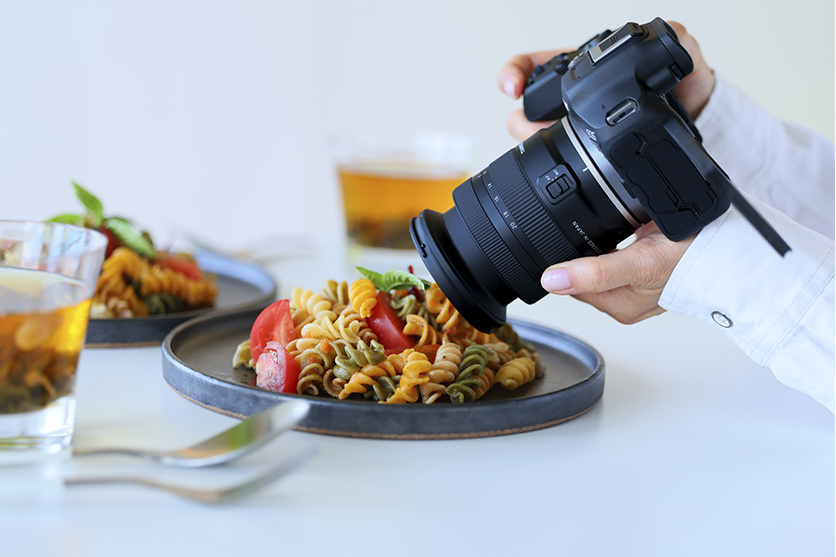
You’re browsing an online store. A product catches your eye. You click on it. The image loads slowly. It’s blurry. You try to zoom in; nothing happens. You close the tab and move on. That just cost the store a sale. Maybe a customer for life. Here’s the thing: that happens thousands of times a day across Shopify stores everywhere. And most store owners have no idea it’s happening to them. They’re focused on ads, pricing, and shipping, while their product photos quietly kill their conversions in the background. This blog is going to fix that. We’re going to walk through everything you need to know about Shopify product image size: the actual numbers, the formats, the mistakes people make, and, more importantly, why high-quality photography is the real driver behind sales. Not just “nice to have.” A direct revenue lever.
Let’s get into it.
What Is the Best Size for Shopify Product Images?
Credit: mageplaza.com
Let’s start with the numbers. You deserve a straight answer here.
The best dimensions for Shopify product images are 2048 x 2048 pixels. That’s your target. That’s the sweet spot between sharp image resolution and a file size that won’t wreck your load times. Shoot for this on every product image you upload.
Here’s what else you need to know:
- Maximum allowed size: 4472 x 4472 px, under 20 MB per image file
- Minimum for Zoom to work: 800 x 800 px, anything smaller and Shopify’s zoom feature breaks
Shopify automatically resizes your image to generate thumbnails. But only if your original is high quality.
That last point matters more than people realize. When you upload a 2048 x 2048 px image, Shopify creates smaller versions automatically, for mobile, for thumbnails, and for collection grids. It handles the resizing for you. But if your source image file is low quality, every version it generates will be low quality too. Garbage in, garbage out.
Here’s a quick reference for image dimensions across every section of your store:
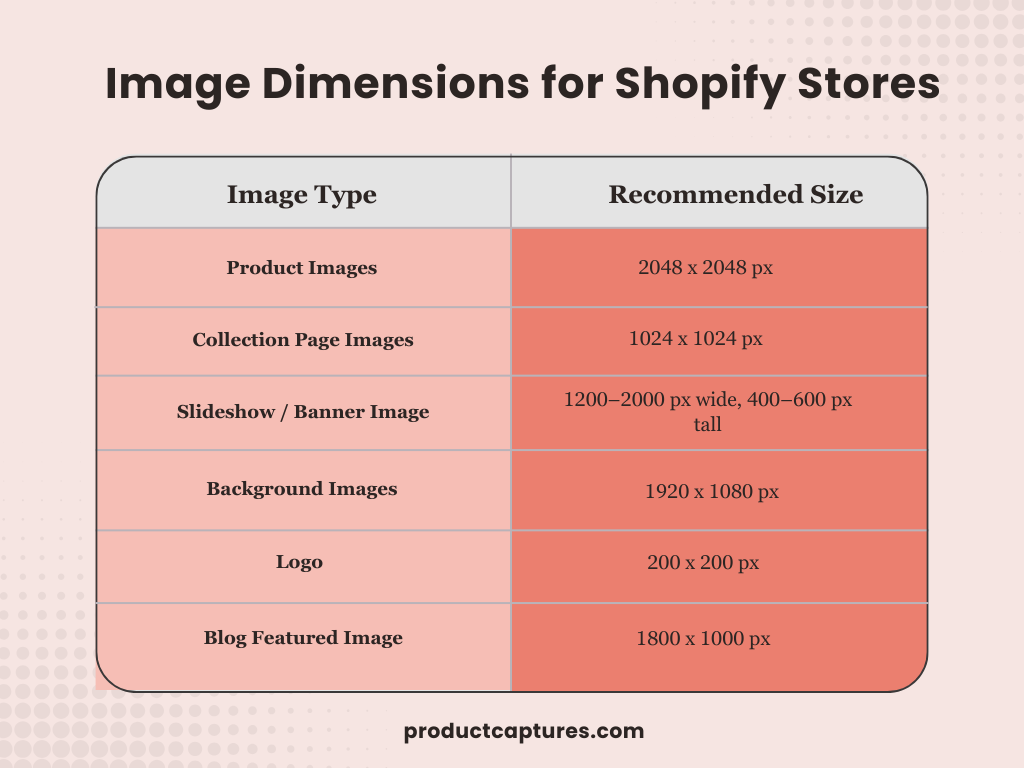
One more thing to keep in mind: over 70% of ecommerce happens on mobile. Your images aren’t just being viewed on big desktop screens. They’re being rendered across all kinds of screen sizes, small phones, tablets, and laptops, by people with short attention spans. Getting your ideal product image size for Shopify right isn’t optional anymore. It’s table stakes.
Why Image Quality Is Non-Negotiable
Now we move from specs to strategy because getting the size right is the floor, not the ceiling.
Think about what a product photo actually has to do. Your customer can’t touch your product. They can’t feel the weight of it, smell it, or try it on. Your photo has to do all of that work. It has to answer every question they have before they even think to ask it.
A blurry, flat, poorly lit photo doesn’t just look bad. It sends a signal. It tells the customer: this brand doesn’t sweat the details. And if you don’t sweat the details on your photos, why would you sweat them on the product itself?
That doubt is silent. The customer won’t tell you that’s why they left. They’ll just leave.
Here’s how to think about the different image types you need on your product pages and what job each one does:
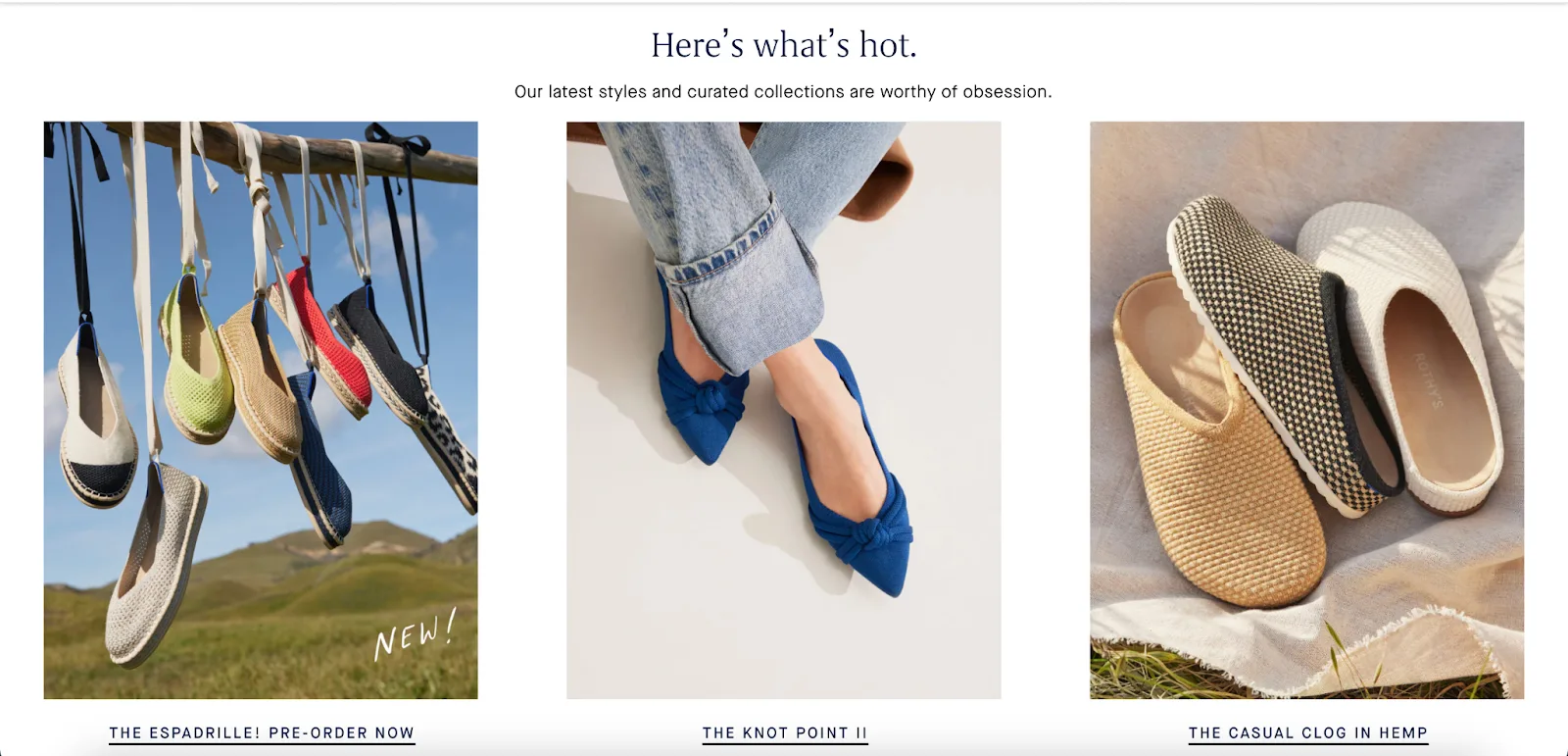
- Product-only shots give customers a clean, honest look at what they’re buying. White or neutral background, good lighting, every angle covered. This is your baseline. You need this.
- Lifestyle images do something different. They let customers picture the product in their own lives. Someone is using your coffee grinder on a Sunday morning. Your candle on a bedside table. This is where browsers become buyers. Don’t skip this type.
- In-use and detail shots answer the zoom questions. How does the stitching look up close? What does the texture feel like? How big is it in someone’s hand? These images remove the last friction before someone clicks “Add to Cart.”
Each image type serves a different psychological job. Together, they build the complete case for why someone should buy from you, and they’re what separates a forgettable shopping experience from one that actually converts.
The Consistency Problem Nobody Talks About Enough

Credit: alinga.com.au
Here’s something most blogs gloss over. And it’s costing stores more than they know.
It’s not enough to have a few great photos. Your entire store needs to feel consistent.
When a customer lands on your collection page, they’re not evaluating each photo individually. They’re forming an instant impression of your brand as a whole. And if your images have mismatched lighting, different image dimensions, varying backgrounds, and random color tones, that impression is: amateur.
Think about browsing a store where every thumbnail is a slightly different shape. The grid looks broken. Products don’t line up. You can’t compare anything cleanly. It creates friction. And friction kills sales.
Consistency is a brand signal. It says: we pay attention. We care about how this looks. You can trust us.
The fix isn’t complicated. Pick one aspect ratio; 1:1 square is the standard, and stick to it. Match your lighting across shoots. Keep your backgrounds cohesive. Treat every new product photo like it’s joining a team, not going solo.
Your product photos are your best salesperson. They work 24/7. They never have a bad day. But if they show up looking inconsistent and sloppy, they’re working against you around the clock.
File Formats and Image File Size: What to Actually Use
Shopify accepts a lot of image files. You don’t need to know all of them. You just need to know these three:
- JPG — Your go-to for product photos. It uses lossy compression, which means a smaller image file size without a noticeable dip in quality. For most product shots, JPG is the right call.
- PNG — Use this when you need a transparent background. Great for logos. For product photography, you’ll rarely need it unless your workflow requires transparency.
- WebP — This is the modern standard. Google developed it to deliver better compression than both JPG and PNG. Shopify automatically converts your uploaded images to WebP for browsers that support it. But you should still start with a clean, well-compressed source file. Target: under 500 KB for your main product images.
What to avoid: BMP files are too heavy for web use. HEIC has browser compatibility issues. PSD files should always be converted before uploading.
A practical tip: shoot in high resolution, then compress before you upload. A tool like TinyIMG works well. If you’re exporting from Lightroom or Photoshop, 70–80% JPG quality is usually the sweet spot; smaller image file size, great look, faster page loading.
The Mobile Cropping Problem
Credit: xgentech.net
This one catches a lot of store owners off guard.
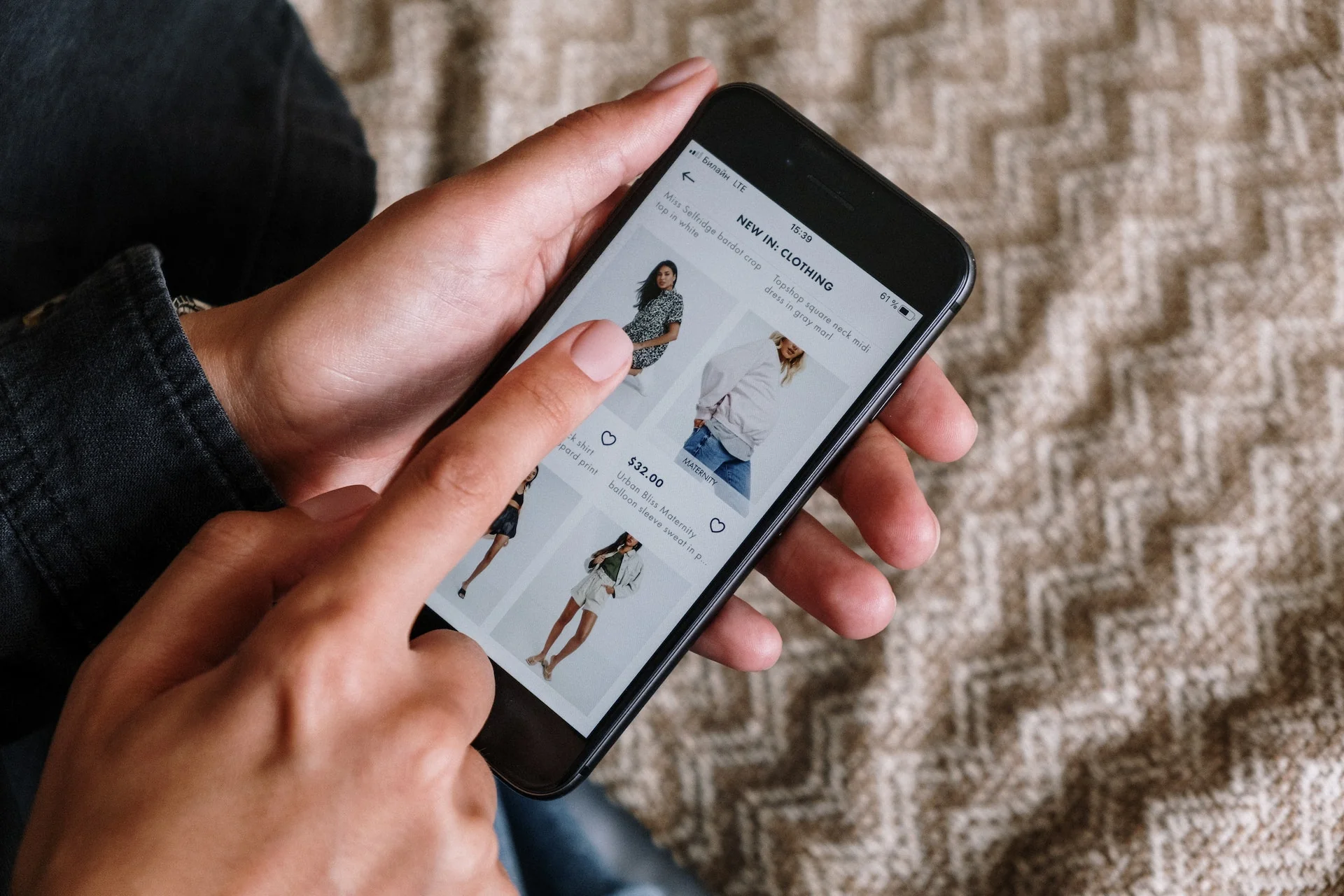
When your Shopify theme adapts for different screen sizes, it doesn’t just shrink your images. It often crops them. The theme reshapes the image to fit a different aspect ratio on a smaller screen. And if your product isn’t centered in the frame, the crop can cut off the very thing you’re trying to sell.
Picture a jacket where the collar and logo are at the top of the frame. On the desktop, it looks great. On mobile, the theme crops from the top, and suddenly your hero image is just a torso.
Here’s how to prevent it:
- Center your subject every time. The main product should always be in the middle of the frame.
- Leave breathing room around the edges. Don’t push your product to the corners. That edge space is your buffer against aggressive cropping.
- Test on mobile before you go live. Pull up the product page on your phone. Every time.
- Use 1:1 square images. They’re the most forgiving format across different screen sizes and themes.
This is a five-minute fix that most stores never bother with. The ones that do look noticeably more professional, and they deliver a better user experience across every device.
Ending Remarks
Here’s the bottom line: Shopify product image size matters. But it’s only half the equation. Getting the dimensions right, 2048 x 2048 px, square, under 500 KB, sets the technical foundation. It keeps your load times fast, makes Zoom work, and makes thumbnails look clean across every screen size. That stuff matters.
But high-quality photography is what actually closes the sale. It builds trust before a single word is read. And it removes the fear of buying something you can’t touch. It makes your brand look like it belongs next to the best stores in your space.
Get the size and quality right. Stay consistent. Then let your store do the selling.
If you want to see what professional product photography can do for your Shopify store, ProductCaptures is a great place to start. Get in touch with us!
Frequently Asked Questions
If you are still unsure about Shopify image size, here are few of the questions answered.
What is the best image size for Shopify products?
The sweet spot is 2048 x 2048 pixels. It’s sharp enough for Shopify’s zoom feature to work properly on high-resolution screens, and it keeps your image file size manageable. Use this as your standard for every main product image.
Does image file size affect page loading speed?
Yes, directly. Large image files are one of the biggest causes of slow load times on Shopify stores. Keep your compressed images under 500 KB. Slow page loading frustrates shoppers and hurts your search rankings; it’s a double hit.
Can I use rectangular images on Shopify?
You can, but you need to commit to it across all your product pages. Mixing square, portrait, and landscape images on the same collection page creates a messy, uneven grid. Pick one format and stay consistent throughout your store.
What image type should I use for Shopify product photos?
JPG is the standard for product photography. It gives you great quality at a smaller file size. Shopify will automatically convert it to WebP for supported browsers. Use PNG only when you need a transparent background, like for logos.
How many product images should I have per product?
At minimum, aim for three to five images per product: a clean front shot, a few alternate angles, and at least one lifestyle or in-use image. More images give customers more confidence and a better overall shopping experience. The more questions your photos answer, the less hesitation buyers have.